
Energy data
Article 24 of 25 · Energy insight and dataReducing standby consumption: a guide for businesses
Direct answer
Standby consumption is the electricity that devices keep using while they appear to be off or in a resting state, also called phantom or sneak consumption. Think of a monitor on standby, a charger left in the socket, or a machine simply waiting. This use continues day and night and adds up to a fixed base load that you can often reduce without any loss of comfort.
- Clear definition
- Data-driven assessment
- Risks and opportunities visible
- Practical next steps
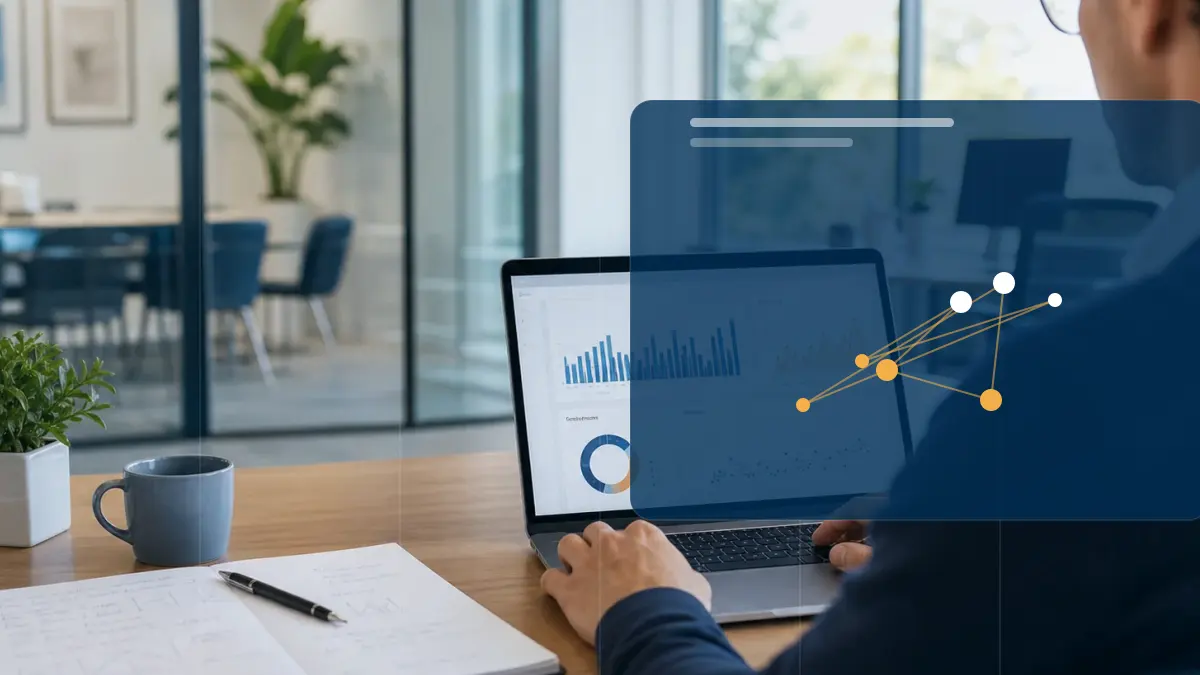
Reducing standby consumption: scattered information versus Energy Intelligence
Many businesses leave equipment plugged in during evenings and weekends. Monitors blink on standby, chargers stay in the socket, and machines wait in resting mode for the next task. Together, all these devices continuously draw a little power, even when nobody is working. This is called standby or phantom consumption. It rarely stands out, because each device on its own uses little, but combined and running all year round it adds up considerably.
- Standby consumption sits in devices that stay connected while nobody uses them: monitors, chargers, coffee machines, printers and machines in resting mode.
- You track it down by measuring your night consumption or base load: whatever the meter keeps counting when the business is closed is largely standby consumption.
- You reduce it by switching devices fully off, using timers or switchable power strips, and enabling power management in the settings.
Insight
Traditional approach
Information is scattered across portals, documents, invoices or separate spreadsheets.
Modern approach
Data, context and interpretation are brought together into a clear decision picture.
Decision-making
Traditional approach
Choices are made based on averages, assumptions or occasional analyses.
Modern approach
Scenarios, KPIs and current measurement data make the trade-off more concrete and repeatable.
Follow-up
Traditional approach
Actions often stay non-committal or disappear into separate reports.
Modern approach
Follow-up actions, monitoring and reporting are linked to the same energy data.
Where does standby consumption sit in a business?
Standby consumption is everywhere that devices stay connected without being actively used. In an office these are monitors on standby, computers in sleep mode, printers, coffee machines, kettles and chargers left in the socket. A charger with nothing plugged into it often still draws power. In a workshop or production setting it sits in machines that stay in resting mode, in control cabinets and in cooling that runs day and night. Monitors near meeting rooms, digital signage and network equipment belong to it as well. Part of this consumption is unnecessary, and part of it is needed to keep devices on standby or reachable.
- Office: monitors, computers in sleep mode, printers, coffee machines and chargers.
- Workshop: machines in resting mode, control cabinets and equipment waiting for the next task.
- Cooling and climate: refrigeration that runs day and night, also outside working hours.
- Network and displays: routers, screens near meeting rooms and digital signage.
How do you track down phantom consumption?
Start with your base load: the consumption that remains when nobody is working. Use your smart meter or energy portal to look at consumption at night, at weekends and on closing days. Whatever the meter keeps counting then is largely standby consumption. Compare that base load with what you would expect. If more runs than makes sense, devices are on unnecessarily. For individual devices, use a plug-in power meter between the device and the socket, or a switchable power strip with metering. This shows you what each device draws in resting mode. In addition, walk around once at the end of the day and watch for lights, displays and humming power supplies.
- Measure your night and weekend consumption: that is your base load.
- Compare the base load with what you consider logical; the gap points to standby consumption.
- Use a plug-in power meter or a metering power strip to check individual devices.
- Walk around after closing and watch for lights, displays and warm adapters.
How do you reduce standby consumption?
The simplest step is to switch devices fully off instead of leaving them on standby. Group devices on a switchable power strip so you can turn a whole workstation off with one button. Put devices that do not need to run continuously on a timer, for example coffee machines, screens near meeting rooms or illuminated signage. Use the power settings of computers and monitors: let them enter sleep mode after inactivity and switch off by themselves outside working hours. Also take standby consumption into account in your purchasing policy. When buying new equipment, check the resting-mode consumption and whether it has a real off state. Finally, agree on habits with staff: a last check on leaving often saves the most.
- Switch devices fully off and group workstations on a switchable power strip.
- Put timers on devices that may be off outside working hours.
- Use sleep mode and automatic shutdown in the settings of computers and screens.
- Include resting-mode consumption in your purchasing policy for new equipment.
Curious what this looks like with your own data?
In a no-obligation call, a specialist looks at your meters, sites and energy questions with you. Response within one business day.
Search the knowledge base
Find the answer to your question.
Search using your own words. Abbreviations and spelling variants are recognised, so EMS also finds the articles on energy management systems.
Topic