
Night consumption
Article 13 of 14 · Monitoring, grid capacity and valueWhy is my night-time energy consumption so high?
Direct answer
Night-time energy consumption is often high due to baseload, cooling, ventilation, standby equipment, charging points, pumps or installations that keep running outside operating hours. With quarter-hourly data you can see whether the pattern is normal, structurally too high or suddenly deviating.
- Explain baseload
- Find phantom load
- Compare weekend profiles
- Alerts outside opening hours
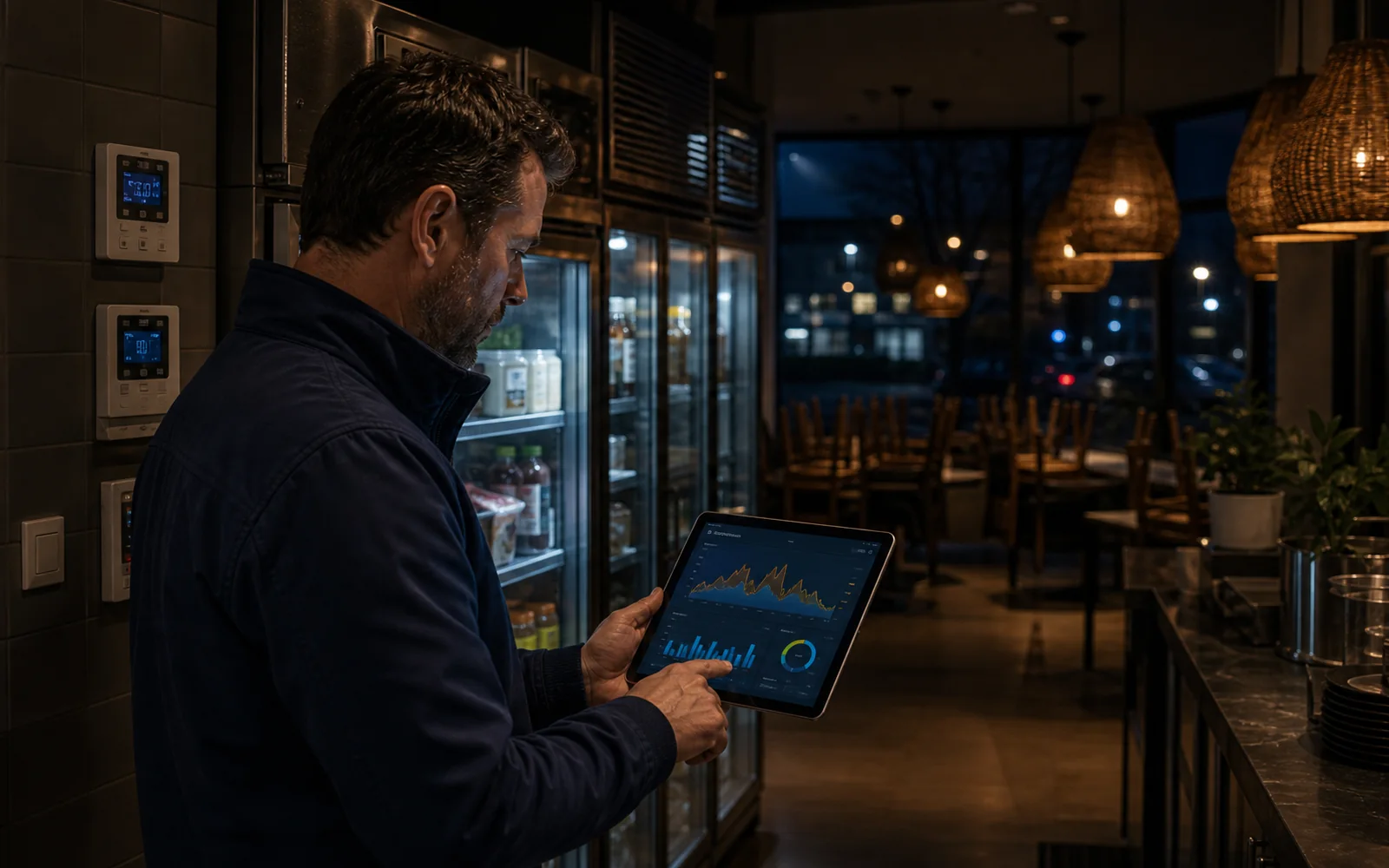
Monthly bill versus night profile
A high energy bill often does not start during the day, but in the hours when no one is watching energy use. Night consumption is therefore one of the fastest ways to find waste. However, the difference between necessary baseload and unnecessary phantom load needs to be examined carefully.
- Compare night consumption with opening hours, weekend profiles and earlier periods.
- Watch for baseload increases, fixed night peaks and consumption that does not fall back.
- Link deviations to installations such as cooling, HVAC, charging points or pumps.
Visibility
Traditional approach
Night consumption is hidden in the monthly total.
Modern approach
The night profile shows baseload, peaks and deviations per quarter hour.
Cause
Traditional approach
Only the total amount is visible.
Modern approach
The moment, location and likely installation become clearer.
Follow-up
Traditional approach
Manual searching after a high bill.
Modern approach
Alerts point directly to notable nights or meters.
Which causes occur frequently?
Common causes are cooling, ventilation, heat pumps, server cabinets, compressed air, pumps, charging points, lighting and installations that do not switch to night mode.
- Cooling or HVAC keeps running.
- Charging points charge simultaneously at night.
- A pump, boiler or compressed air stays active.
- Settings or schedules are incorrect.
How do you investigate it quickly?
Start with the normal night minimum, compare it with earlier weeks and then look for sudden steps or recurring peaks.
- Determine the baseload per location.
- Compare weekdays, weekends and holidays.
- Look for jumps in the minimum consumption.
- Create alerts for deviating nights.
How do you reduce night-time energy consumption?
Reducing it starts with knowing which part of the night consumption is necessary and which part keeps running unnecessarily. Set schedules, cooling, ventilation and charging points to the actual usage hours and then measure whether the baseload drops. COMCAM makes the effect visible: after an adjustment you see immediately whether the night minimum drops structurally or whether an installation keeps running anyway.
- Switch installations to night mode outside usage hours.
- Spread or shift the charging moments of charging points.
- Check the settings of HVAC, pumps and compressed air.
- Measure the baseload before and after each adjustment.
Curious what this looks like with your own data?
In a no-obligation call, a specialist looks at your meters, sites and energy questions with you. Response within one business day.
Search the knowledge base
Find the answer to your question.
Search using your own words. Abbreviations and spelling variants are recognised, so EMS also finds the articles on energy management systems.
Topic